
Debit your tenants
Even as an individual owner, save time by no longer tracking each payment one by one.
Solution · Rent collection
Collect your rent easily with:
01 · Direct debit
Automatic direct debit secures regular rent payments without the tenant having to take any action at each due date.
As a property manager, it makes sure your income arrives on time, with no delays.
With Unlocker, you set up direct debit mandates for each of your tenants. Once in place, the rent is debited from the tenant’s account every month and credited to yours, with no further action.
Even as an individual owner, save time by no longer tracking each payment one by one.
Automatic debits make sure rent arrives without delay.
With Unlocker, reduce unpaid rent by easily managing debit authorizations and accessing the history of every transaction.
02 · Transfer initiation
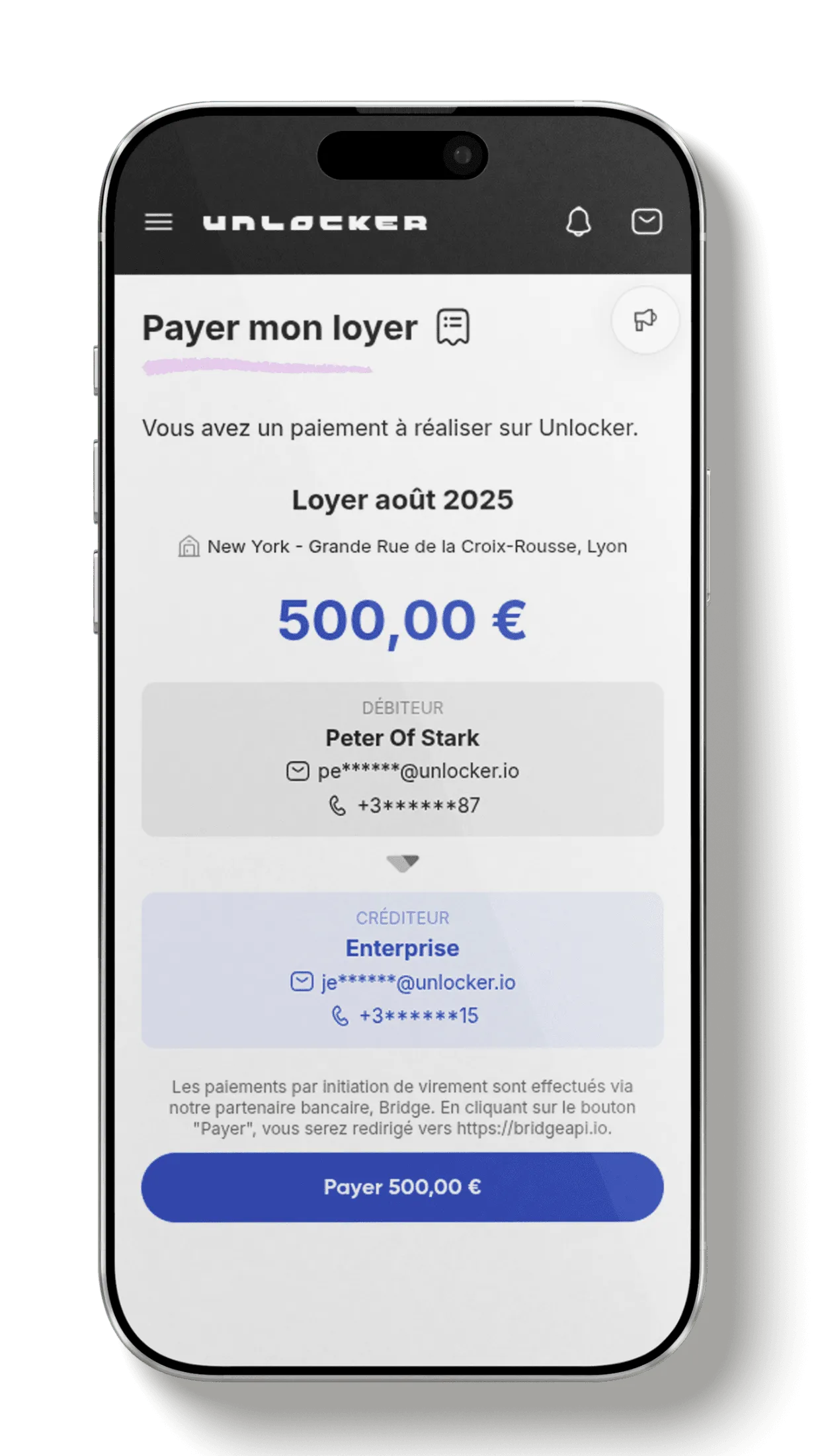
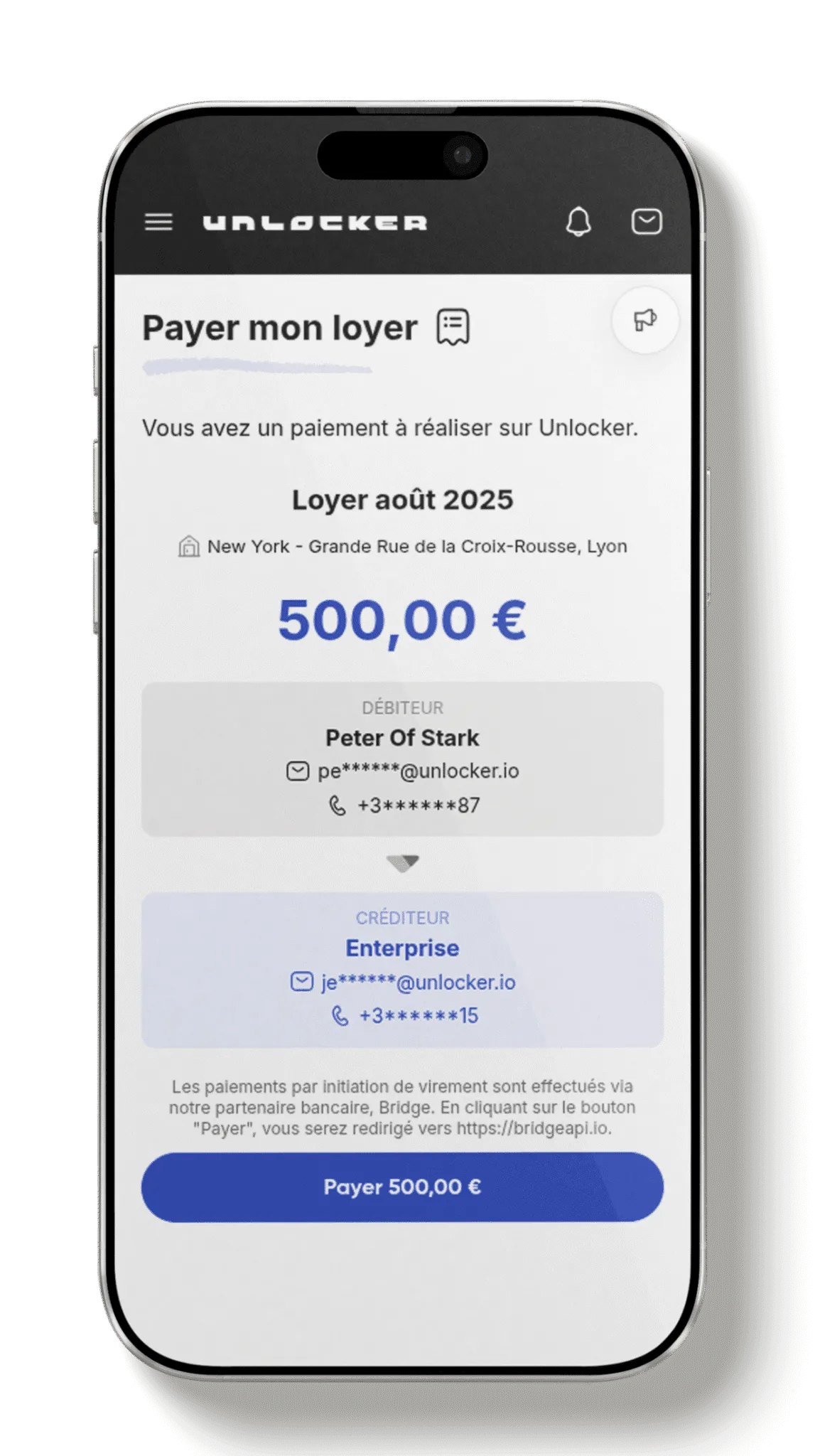
Transfer initiation lets you collect rent directly from the Unlocker app, without going through your bank’s usual interface. With this service, you streamline payment collection while keeping it secure and simple.
You no longer need to watch every transfer by hand: Unlocker does it for you.
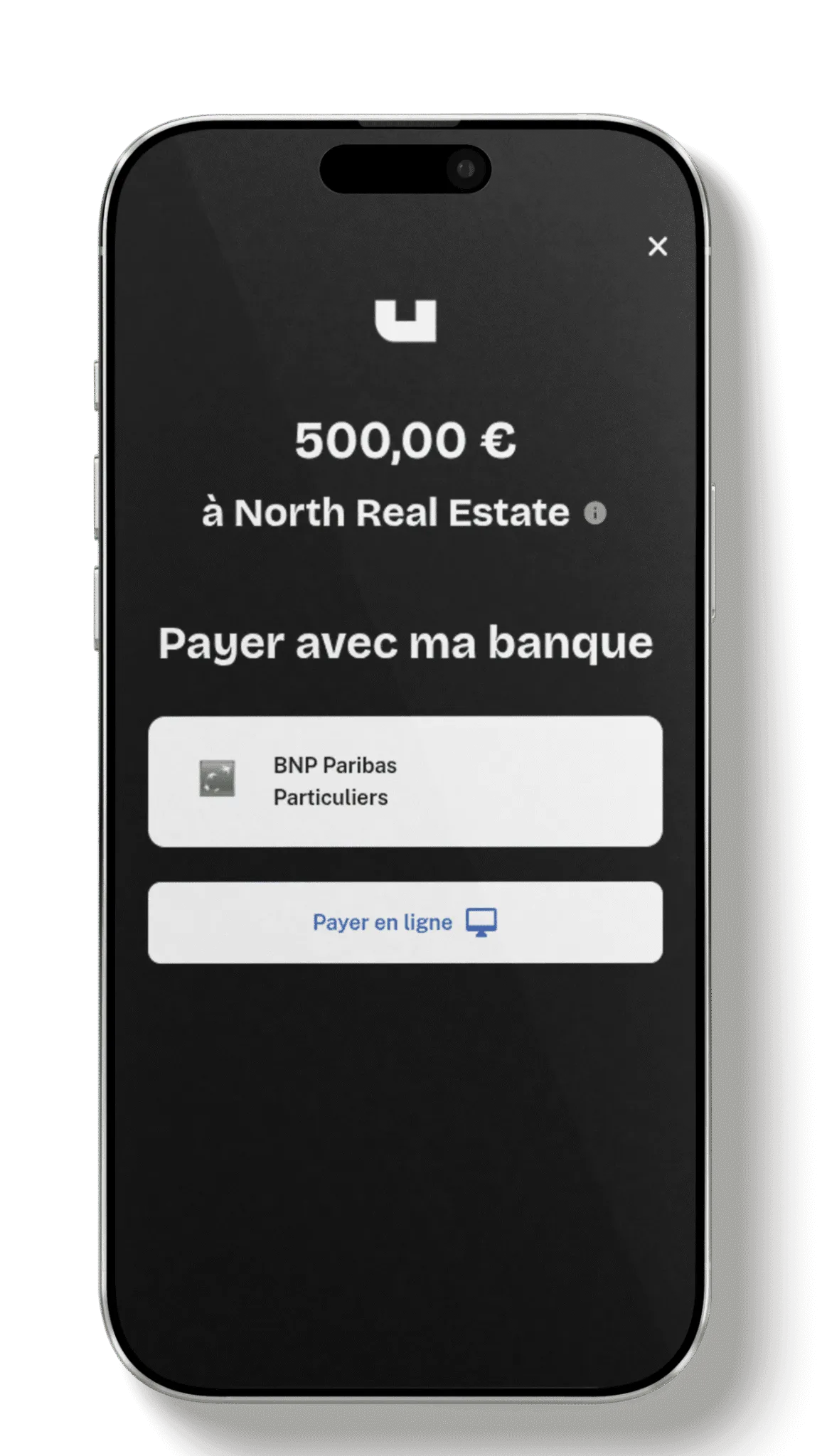
The tenant authorizes the automated transfer through their usual banking interface.
Transfer initiation is instant thanks to the Payment Services Directive 2 (PSD2).
Once the instant transfer is made, you receive a notification and the amount is credited directly to your account.
No more reminding tenants to pay on time. The process is fully automated.
Every transfer is recorded, giving you detailed tracking of monthly payments.
No fees tied to bank card payments, which improves your rental income.
03 · Bank transfer
Standard bank transfers are a reliable way to handle regular rental transactions. With Unlocker, you can automate recurring rent payments and follow the transaction history for each unit.
With the Unlocker interface, you can manage bank transfers for every property you manage. Set up recurring transfers for rent and make sure each transaction goes through on the scheduled date, with no manual action.
SEPA transfers are supported, so funds arrive quickly and securely anywhere in the euro area.
Follow the payments of all your tenants from a single platform.
Transfers are protected by strict banking standards, minimizing the risk of errors or fraud.
Once set up, you no longer have to worry about your tenants’ monthly payments.
04 · Rent supplements
Simplify the management of additional charges with Unlocker. Whether it is a garage, a storage room or other extra fees, add and track rent supplements in a few clicks. Everything is centralized, clear and available from your dashboard. An intuitive solution for complete, transparent rental management.
Also included
Alongside payment solutions, Unlocker assigns you an individual IBAN per client. It lets you centralize your collections, identify each payment automatically and speed up rent payouts.
Every tenant or owner has a dedicated IBAN. When a transfer is made, it is recognized immediately and matched to the right account, which prevents reconciliation errors and smooths cash flow.
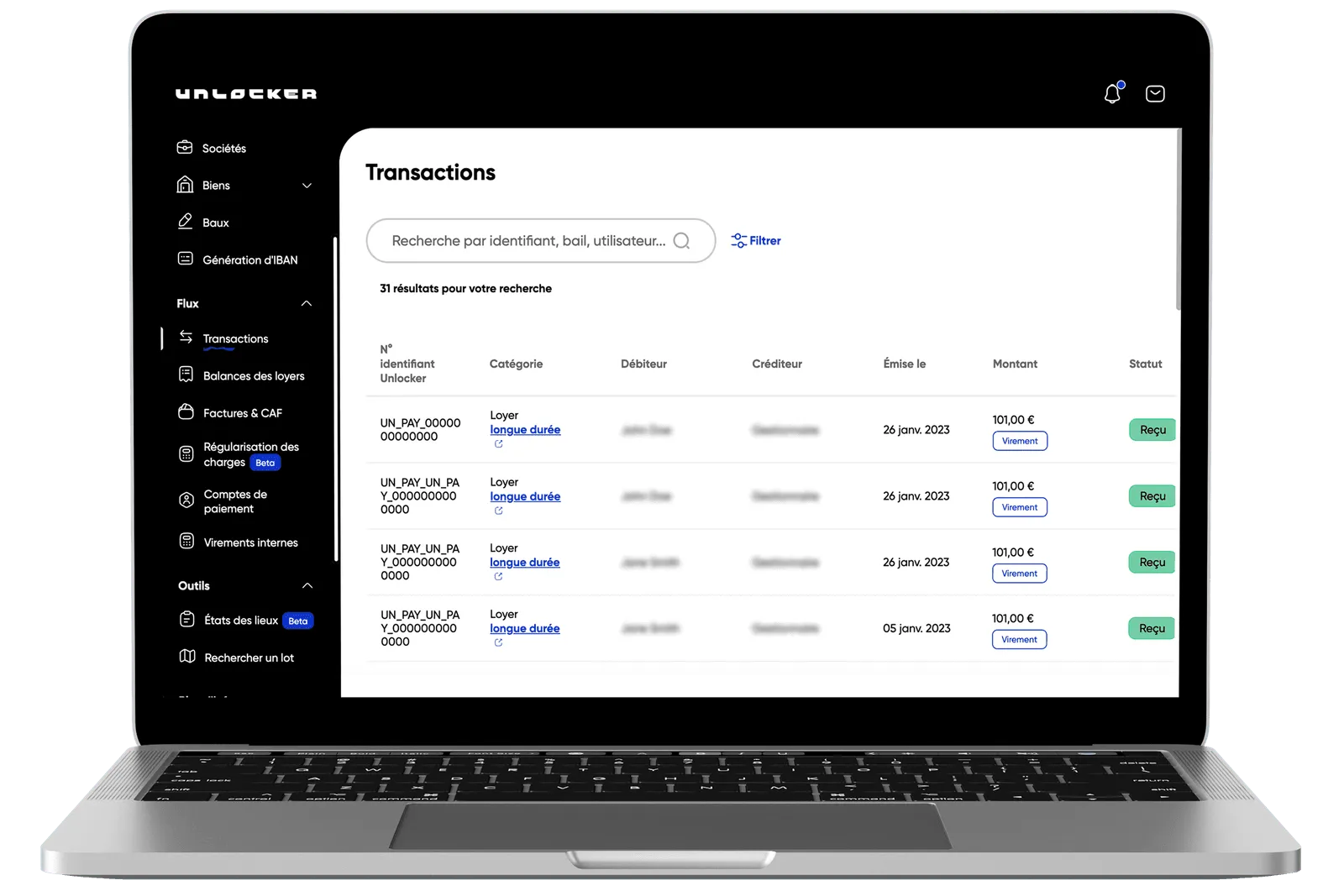
Unlocker gives you a complete solution to automate rent management. Our app centralizes all transactions and lets you track, analyze and secure your financial flows with ease.
Unlocker is a free community platform for managing long-term rentals, offering a wide range of services for individuals and professionals.
The steps of the tenant journey are centralized on one easy-to-use platform, so everyone can see housing as a resource that is easy to access, safe and hassle-free.
Our pricing depends on the commission model you choose. We offer a custom plan tailored to your specific needs. Book a call directly with Enzo for a free demo and a tailored proposal: Enzo’s calendar
Our feature lets you receive an additional activation link if you are locked out.
Get a new activation link