
Hassle-free rental property management
With Unlocker, managing your rental properties gets simpler. Track your rent, communicate with your tenants and automate your admin tasks, all from a single platform.
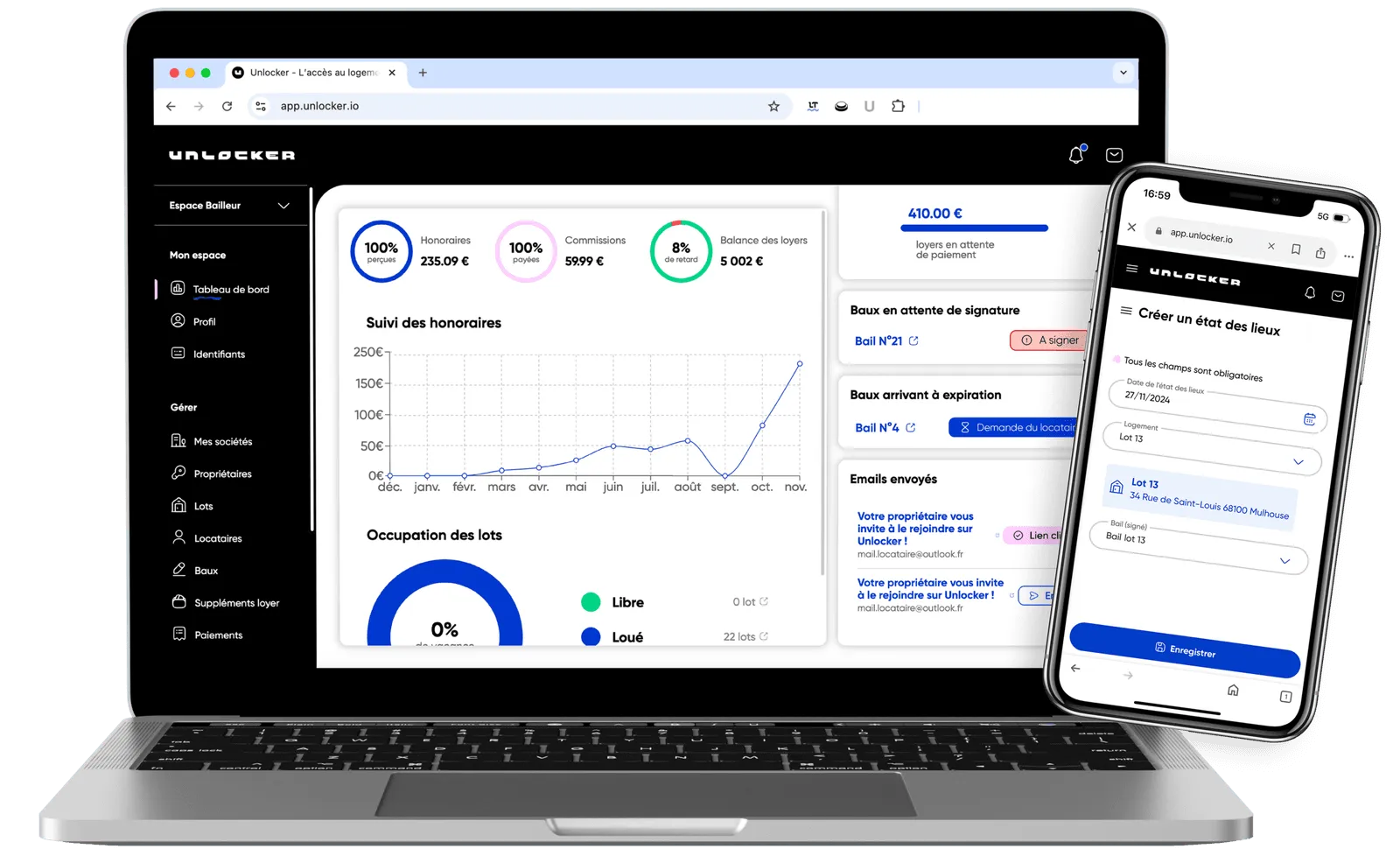
Property management built for you

Secure data
Unlocker protects your data and financial transactions with bank-grade security protocols. Whether it’s your leases, your payments or your messages with your tenants, confidentiality is guaranteed at every step.

Keep an eye on your income at a glance
With our intuitive dashboard, you get an overview of the rent you’ve collected, upcoming due dates and your rental performance. Manage your investments with confidence and efficiency.

One tool that does it all
From lease creation to move-in and move-out inspection reports, including rent tracking and automatic direct debits, Unlocker has every feature you need to manage your rental properties with peace of mind.
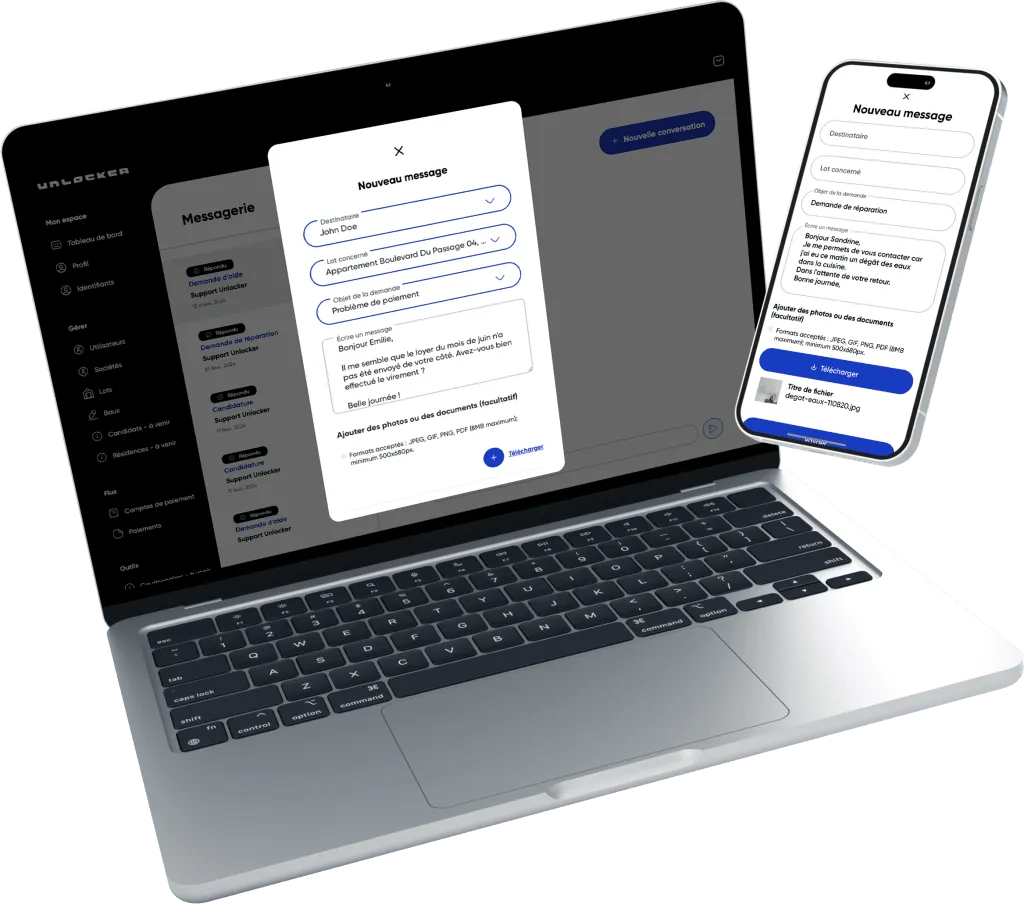
Embrace simplicity today
Whether you own a single property or a larger portfolio, Unlocker adapts to your needs. Centralize all your steps and documents in a friendly, secure interface that makes your daily life easier and keeps your management stress-free.
Simple pricing that fits your needs
Unlocker offers an affordable solution with no hidden fees, so you can maximize your rental income.
Individual landlord
Manage your investments efficiently
1.8% incl. VAT of rent including service charges / month
Features
Centralize all your rental investments and simplify your day-to-day management.
-
Listing publication
-
Transparent transactions
-
Rent collection through the app
-
Electronic signatures
-
Dedicated messaging
-
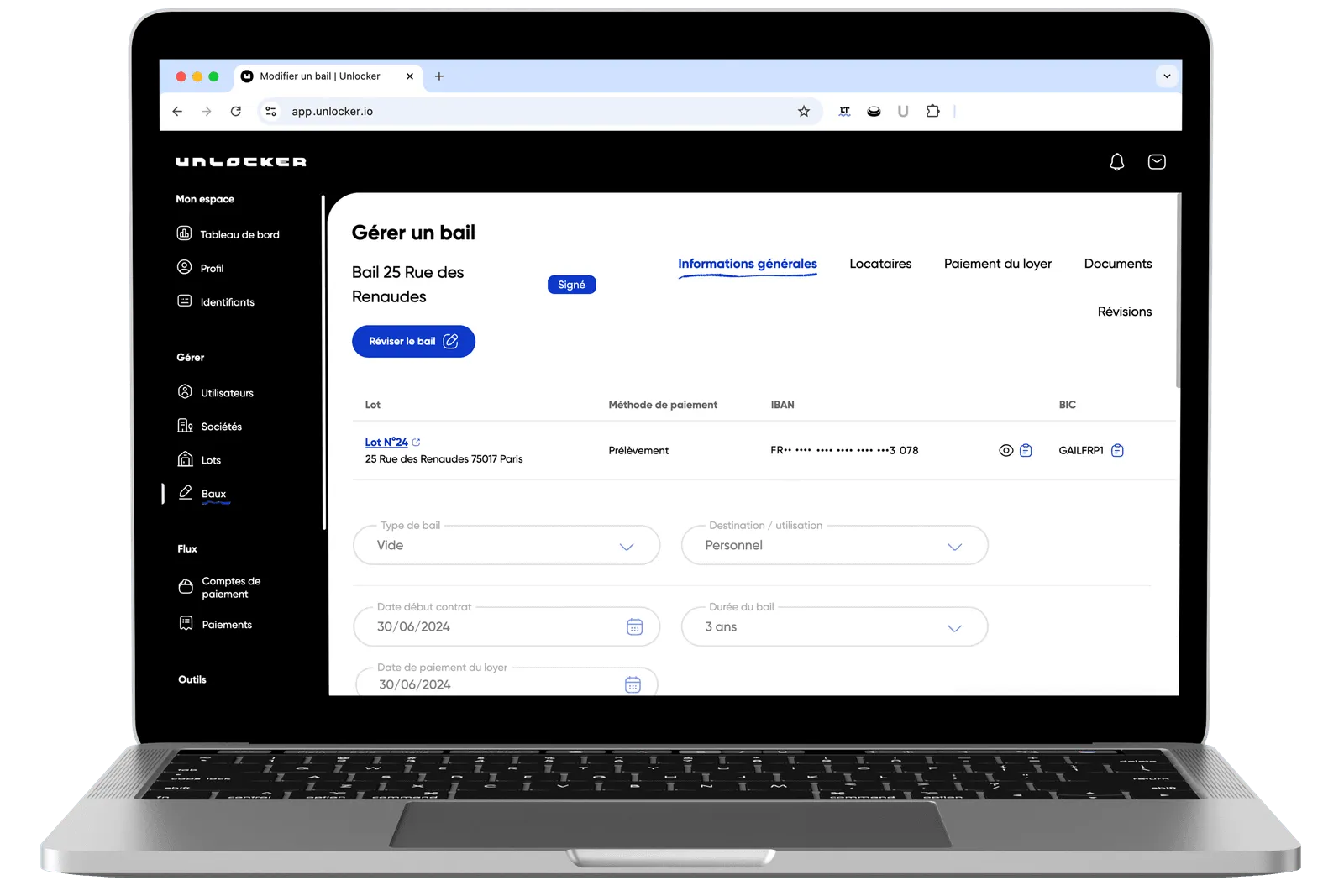
Lease creation
Simplify the management of your properties with Unlocker
With Unlocker, you can:
 Track your rent in real time and automate reminders,
Simplify the drafting of your contracts and move-in and move-out inspection reports,
Keep communication with your tenants smooth and organized.
Enjoy more free time while keeping management rigorous and efficient. With Unlocker, property management is at your fingertips.
FAQ
Who are we?
Unlocker is a free community platform for managing long-term rentals, offering a wide range of services for individuals and professionals.
What makes it innovative?
The different stages of the tenant journey are centralized on one easy-to-use platform, so everyone can see housing as an accessible, safe and hassle-free resource.
How much does it cost?
Our pricing depends on the commission model you choose. We offer a custom plan tailored to your specific needs. Book a call directly with Enzo for a free demo and a tailored proposal: Enzo’s calendar
How do I sign up?
For tenants:
To sign up as a tenant on Unlocker, follow these simple steps:
- Download the Unlocker app when it becomes available, from the App Store or Google Play Store depending on your mobile device’s operating system.
- Open the app once it’s installed.
- Select the sign-up option to create a new account.
- Fill in the required information.
- Confirm your email address by following the instructions sent to your inbox to activate your account.
- Once your account is activated, you can start searching for homes and apply directly through the app.
For professionals and owners:
If you’re a real estate professional or an owner, sign-up is done through the Unlocker.io web platform:
- Visit the Unlocker website in your preferred browser.
- Click the sign-up button for professionals or owners.
- Fill in the sign-up form with your company details or your personal information as an owner.
- Provide the documents needed to verify your status as a professional or owner, if requested.
- Accept the terms and conditions and complete the sign-up process.
- You’ll receive a confirmation email to validate your account.
- Once confirmed, you’ll have access to your dashboard, where you can manage your listings, interact with prospective tenants and use the property management tools offered by Unlocker.
How do I send my identity documents?
As an individual, you must provide the documents listed below in order to activate your account:
- IBAN of the bank account for the payout of the funds collected
- Proof of identity
- Proof of address less than 3 months old
Which documents are accepted as proof of identity?
- A valid national identity card, front AND back
- A valid passport
- A valid residence permit
Which documents are accepted as proof of address?
If the company is hosted at the legal representative’s address:
- A utility bill (electricity, gas, water, mobile or landline phone, internet) less than 3 months old, or a payment schedule for the current year
- A “certificate of residence” or “account holder certificate” issued by your electricity, gas, water, landline or internet provider, downloaded less than 3 months ago
- Your latest income tax or non-taxation notice
If the company is hosted at the legal representative’s address:
- A hosting certificate signed by the legal representative and a proof of address in the legal representative’s name
- As a company representative (e.g. a SCI, a French property holding company), you must provide the documents listed below in order to activate your account:
- A Kbis (French certificate of company registration) extract less than 3 months old
- Proof of identity of the legal representative
- Proof of address of the registered office
- List of beneficial owners
- Proof of identity of beneficial owners holding 25% or more of the share capital (within the meaning of the French Monetary and Financial Code)
- The company’s IBAN
How do I report a problem or a maintenance issue?
If you run into a problem or need maintenance in your home, you can easily report it through our mobile app. Log in to your account, go to the section dedicated to managing your rental and use the report option to let your Roofter or Realter know. They will take the necessary steps to resolve the issue as quickly as possible.
How do I delete my account?
Our goal is to restore trust, so of course we respect your privacy and your choices!
A guide is available to request the deletion of your account at this address: https://unlocker.io/en/delete-account/
Please note that it can take up to a week for the request to be processed.
I can’t log in. What should I do?
No worries! Our new feature lets you receive an additional activation link if you’re locked out.
To get it, click here:
How do I put my property online?
Save time with simplified property management: add your units quickly and easily with our web interface.
-
Step 1: Log in to your account at app.unlocker.io
-
Step 2: Once on your dashboard, go to your unit management area by clicking “units”
-
Step 3: Click “Add a unit”, then fill in the general information, the property’s features, the documents, as well as the invoices and photos.
-
Step 4: Your unit has been created!
Add an existing lease to the platform.
Adding an existing lease to Unlocker is very simple:
- Step 1: Log in to your account at unlocker.io
- Step 2: Before importing your existing lease, make sure you’ve added your unit beforehand. Also check that your profile or the associated company has been validated by Unlocker.
- Step 3: Once on your dashboard, go to your lease management area by clicking “leases”
- Step 4: Click “Existing lease”, add your label, link a tenant, link a unit, select the lease type and fill in the information if needed, then add your existing lease (PDF, JPEG or PNG document)
- Step 5: Your lease has been imported!
Link a unit to a tenant.
Add your tenant by going to the “Tenants” section. Click “Add a tenant”, fill in their personal information and validate their profile.
An invitation will be generated and sent to your tenant by email. Remind your tenant to check their spam folder in case the email ends up there.